Cut no-shows without sending a single message yourself.
Drag the card to Date Set and the appointment sequence takes over — confirming the booking, reminding them before you drive out, and shutting off the lead nurture automatically.
Trigger — You move them to Date Set
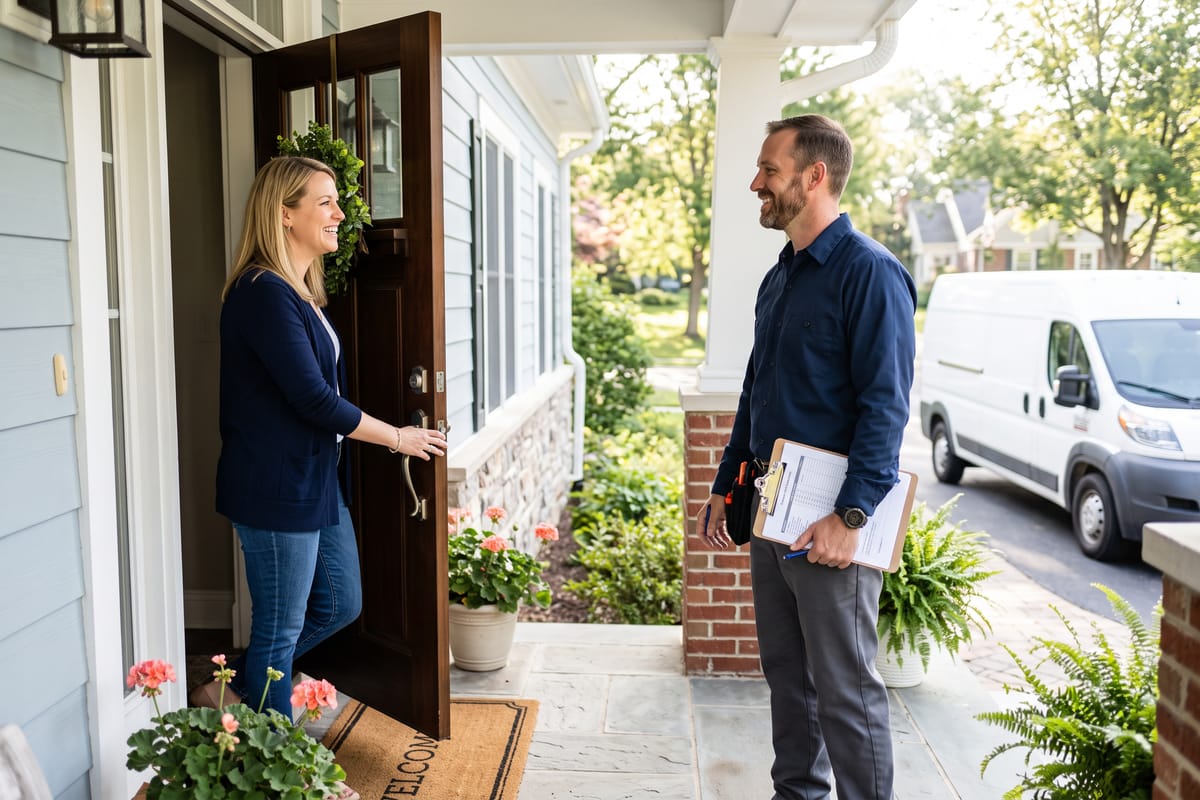
Exactly what happens
- Instantly
Confirmation SMS + email
The lead gets an immediate text and email confirming the date and time, what to expect, and how to reach you if anything changes.
- Before the appointment
Reminder SMS + email
A timed reminder goes out ahead of the visit so they're home, they remember, and you're not burning a drive on a no-show.
- At the same time
Lead nurture stops
The new-lead follow-up sequence shuts off automatically — they'll never get a 'just checking in' text after they've already booked.
What it means for your business
No vanity metrics — just the outcomes that put more money in the business.
- Fewer no-shows and fewer wasted drives
- Homeowners show up expecting you
- No manual confirmation texts to remember
- The wrong sequences shut off on their own
It knows when to stop
Every sequence shuts off the moment it no longer applies. Nobody who already booked, bought, or said no keeps getting messages.
Moved to Contacted
Stops the new-lead nurture. Once you've made contact, the automated 'haven't heard from you' messages shut off.
Moved to Date Set
Stops the new-lead nurture and hands off to the appointment confirmation and reminder sequence.
Moved to Closed Won
Stops all sales nurture and starts the thank-you, review request, and referral sequence instead.
Moved to Closed Lost
Stops all sales nurture immediately. No follow-up goes out to someone who already said no.
Moved to No Response
Stops nurture and parks the contact, so your pipeline stays clean and your numbers stay honest.
Appointments — FAQ
How far ahead does the reminder go out?
We usually send one the day before and one a couple of hours out, but we tune it to your trade. An estimate visit and a full install day need different lead times.
What if the appointment gets rescheduled?
Change the date on the card and the sequence re-times itself. The old reminders don't fire.
Can homeowners book themselves?
Yes. We can put a booking calendar on your site or in your ads so leads pick a slot directly, and this whole sequence fires the moment they do.
The rest of the system
Each automation is strong on its own. Together they cover a lead from the first click to the referral that follows it.
Want appointments running on autopilot?
Book a free strategy call or reach out now — call or text and we'll map out exactly where your next jobs will come from.